These are examples, not fixed requirements. Always check the actual URL printed by your development server. For this tutorial, we will use port 3000.Step 4: Host Localhost GloballyOpen a second terminal while keeping your application running. Execute:devtunnel host -p 3000This command asks Dev Tunnels to create a temporary tunnel for the local service listening on port 3000. If everything works, the CLI prints a tunnel ID and one or more URLs.An illustrative URL might look like this: https://example-3000.devtunnels.ms/Your actual tunnel ID and URL will be different. Open the displayed URL in your browser to test the connection.What if your application uses another port?Replace 3000 with the port your application actually uses. For a Vite application running on port 5173:devtunnel host -p 5173For a Java Spring Boot API running on port 8080: devtunnel host -p 8080For an application using ports 3000 and 8080 simultaneously:devtunnel host -p 3000 8080The corresponding local services must already be running, and each port should use the appropriate protocol. Step 5: Understand the devtunnels.ms URLOne of the most useful parts of Dev Tunnels is the URL generated for your local applicatio...
How to Host Localhost Globally Using Microsoft Dev Tunnels (Complete Guide)
 12 hours ago
8
12 hours ago
8
Related

Impingement
7 hours ago
8



Kotaku Blames Trump and “the Bigots” for BioWare’s Shutdown
14 hours ago
7



‘Clayface’ Review: DCU’s Monster Movie Has an Identity Crisi...
17 hours ago
10

Review: Draw This, Then Die! Vol. 1
17 hours ago
8
Popular

The Crow Officially Replaces Brandon Lee's Eric Draven For A...
2 weeks ago
284

Masterpiece Crime Series Officially Confirms New Spin-Off Wi...
3 weeks ago
259

The X-Men Face Off Against A Horrific Classic Horror Monster...
3 weeks ago
235

Alan Moore's Masterpiece Officially Returns With Entirely Ne...
2 weeks ago
230

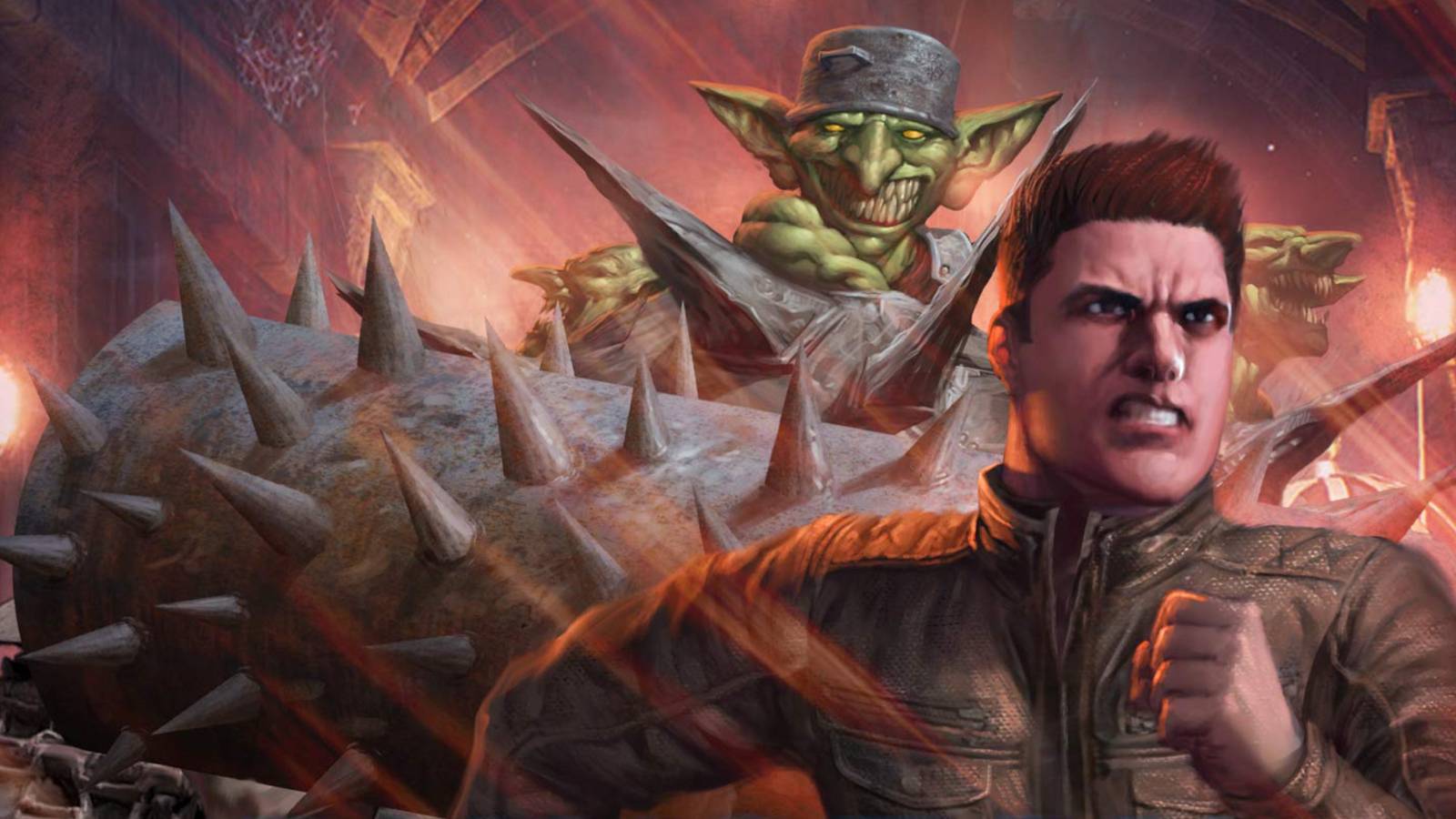
Dungeon Crawler Carl Announces Free Limited-Edition Release
4 weeks ago
170

Harley Quinn #66 Comic Review
3 weeks ago
168

Before Dune 3 Arrives, Dune's Greatest Stories Of All Time O...
2 weeks ago
157

Len Brown, creator of Mars Attacks and long-time Topps execu...
4 weeks ago
133

‘Abbott and Costello Meet The Monsters’ In New Comic Book Se...
2 weeks ago
104
 English (US) ·
 © Clint's Comics 2026. All rights are reserved
